NEED A HAND ?
CAM4 is excited to introduce a brand-new function within your CAM4 broadcasts. With our NEW ChatBot tool you will be able to multitask while giving your viewers that special chat room experience unique from other broadcasters.

WHAT IS A CHAT BOT ?
A ChatBot is a conversational tool that can assist your LIVE chat with ease and free up those busy hands of yours… think of it as your very own personalized moderator. By utilizing the ChatBot function during your CAM4 broadcast it will help automate messaging so you can remain focused and give your audience your undivided attention.
A few examples and benefits of what a ChatBot can be helpful with include :
 WELCOME BOT
Generate a specific “Welcome Message” visible to NEW viewers who join your room. Note, this message has a 5 second delay when someone comes in.
 TIPPING BOT
Send out a “Thank You” message when a certain tip amount has been received or a token goal achieved. Including different chat responses for different token thresholds
 TIMED / AUTO NOTIFICATION BOT
Create a set of predefined messages that will be displayed in your Public Chat at predetermined time increments. Note, atleast 3 messages from viewers must be sent in the chat for these messages to begain.
Examples
– Updates on Room Goals
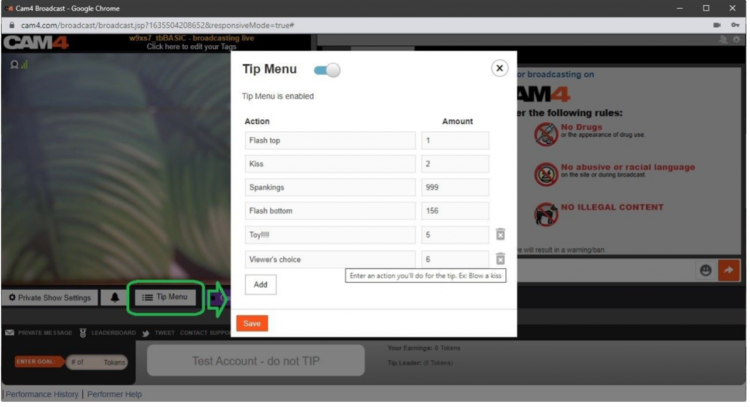
– Tip Menu changes
– Fan Club / My Shop offerings and discounts
– Notifying your audience of Room Rules
– Promoting Social Media handles
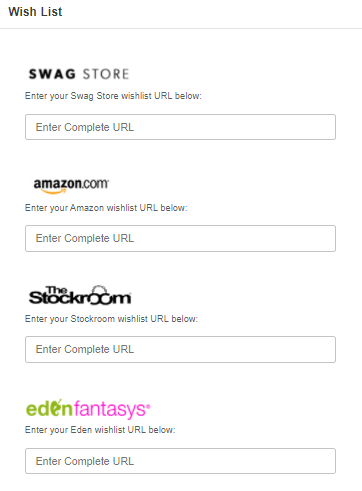
– Promoting Wishlists (CAM4 Swag Store, Amazon, Stock Room, etc)
– Upcoming shows and cam Schedule
With an endless list of customizable options and 3 unique bot commands, CAM4’s NEW ChatBot feature is a sure way to keep your show flowing, all while doing the work for you and keeping your viewers in the loop and their tokens tipped.
~That’s all for this lesson!
Happy Camming!
Love, Your Coaching Team!





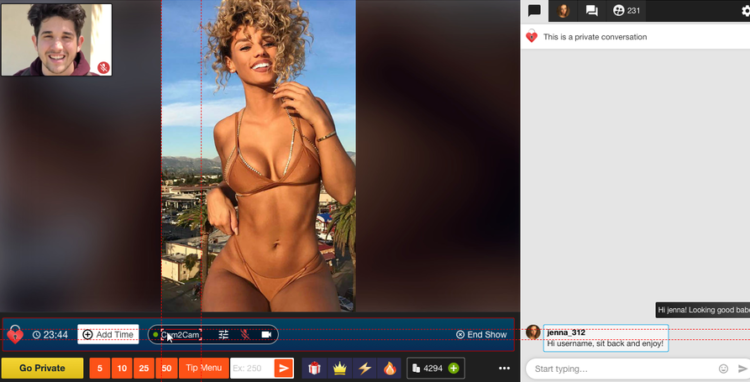
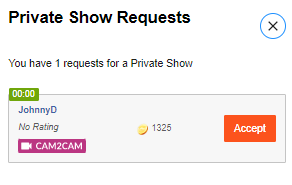
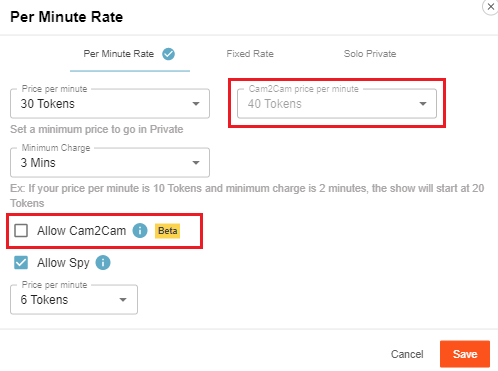 Access the private show settings by clicking on the gear icon beside the “Private Show Requests button”. You can set the price for Cam2cam shows and then add a checkmark beside “Allow Cam2Cam” to activate the feature once you press save.


 What do I need to Do?
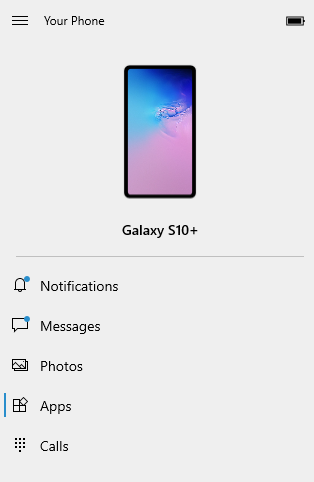
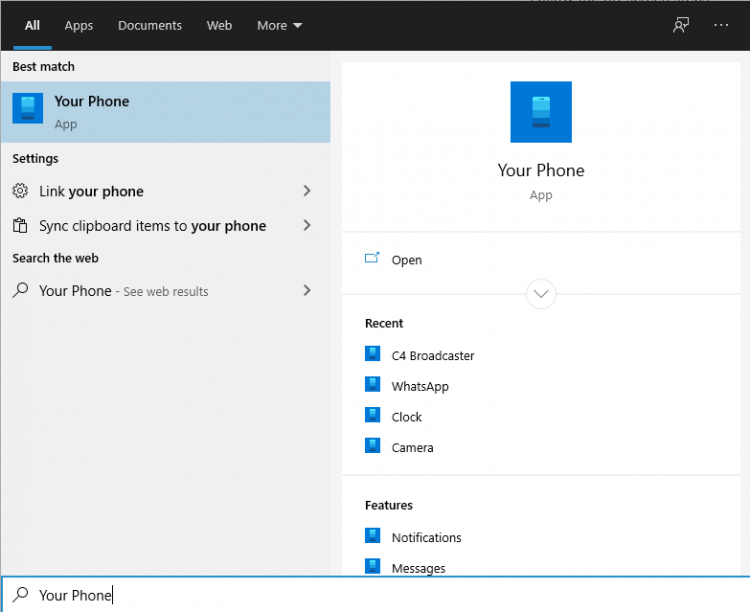 Log in with your Microsoft account in the application.
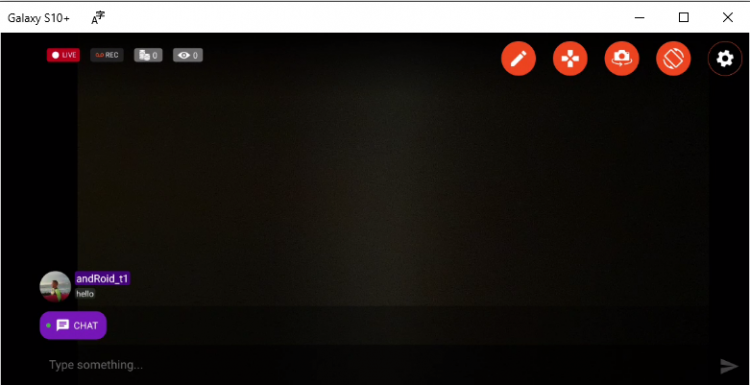
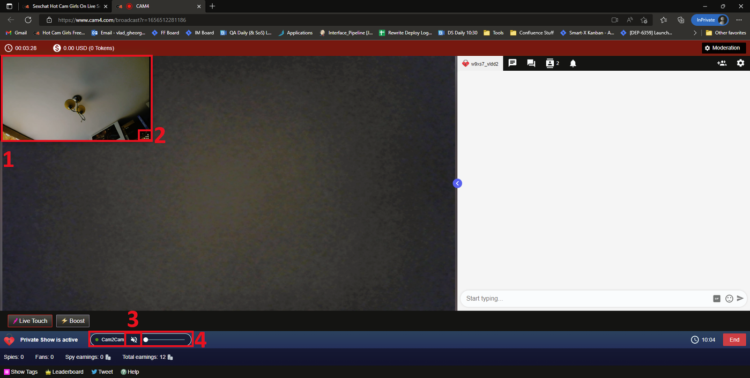
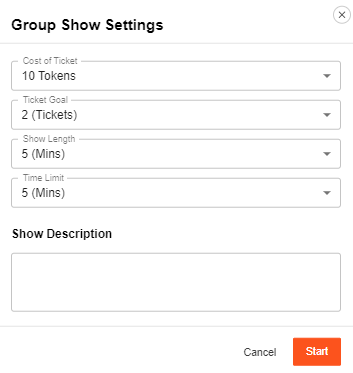
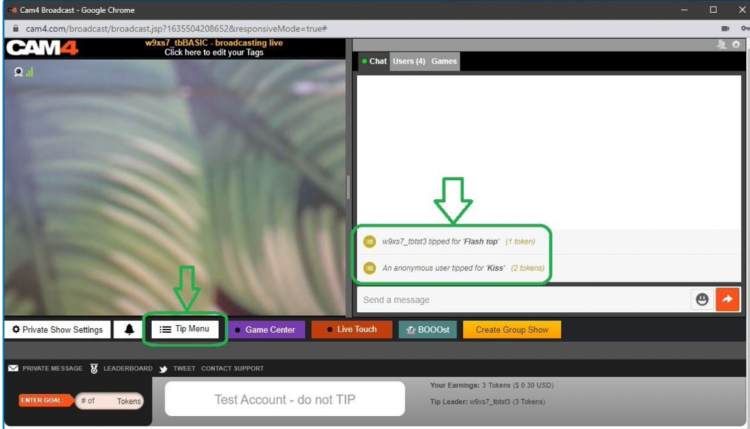
 Once you have picked all your settings and pressed the “Start” button you will see some changes to you menu below your broadcast image. This allows you to see how long you have been hosting a solo show and what you have gained from your “Spy” viewers.