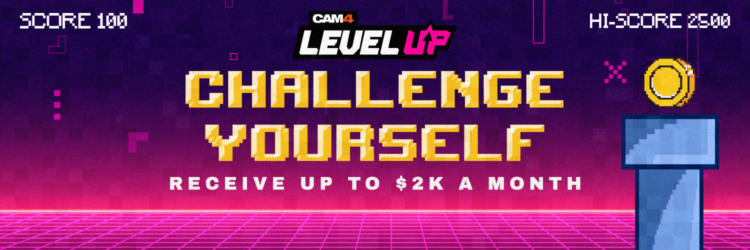
GAME ON!!!
Grab onto your joysticks and get ready to Level Up each month!
This program will have you feeling like a boss… From the 1st of each month we are challenging YOU with the opportunity to make an extra $2,000+
📩 HOW TO SIGN UP
Want to take part? Contact Julia via the orange CAM4 contact bubble to register!
You must sign up each month to participate.

Achievement Levels
+ $10 Bonus
+ $20 Bonus
+ $30 & CAM4 Shirt
+ $40 Bonus
+ $50 & Creator Pack
+ $50 Bonus
+ $100 Bonus
+ $100 & Lovense Toy
+ $100 Bonus
+ $200 Bonus
+ $300 Bonus
+ $1,000 BONUS!
🔓 Unlock each bonus as you go — the more you earn, the more you collect!
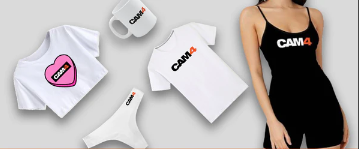
Creator Pack from the Swag Store
Female Swag ($100 Value)
Male Swag ($100 Value)
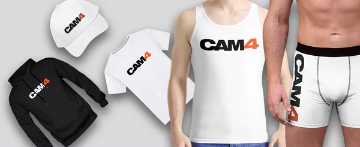
The creator pack changes monthly. Swag shown does not reflect exact products available.
BONUS ROUND — ”Top Up’s”
Creators who earn $300+ can win 1 of 5 additional randomly selected ”Top Ups” ranging between $20 – $100 each month!
As you unlock each $$$ level there are additional prizes & stretch goals along the way — from
CAM4 Swag to
LIVE TOUCH connected toys by
Lovense!
Choose your destiny — beat your best score with the CAM4 Level-Up Program!
Rules
- Creators MUST be 2257 approved
- Creators MUST live in North America/Canada
- Creators MUST broadcast a minimum of 4 hours
- Transferring tokens between accounts is not allowed
- Earnings are counted from 12:00am ET the 1st of the month till 11:59pm ET on the last day
- Creators MUST sign up each month to take part in the program
- Top Up’s are rewarded through random draw
- Each Swag Store Prize can only be redeemed ONCE
- You can only be part of one incentive program at a time
⏱️ Any bonuses will be credited to your account within the first 7 days of the following month.
Ready to Level Up?
Contact Julia via the orange CAM4 contact bubble to get registered and start earning!
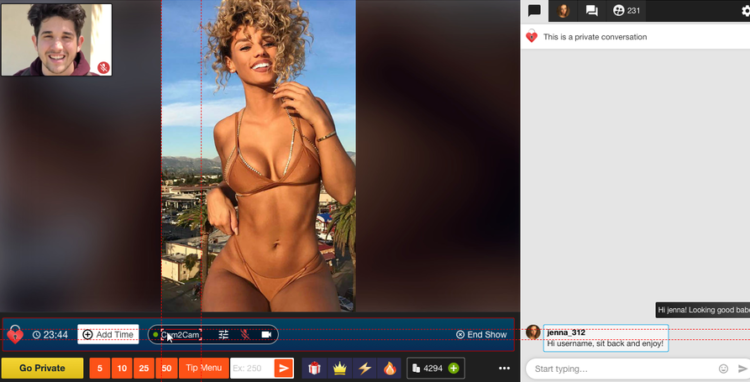
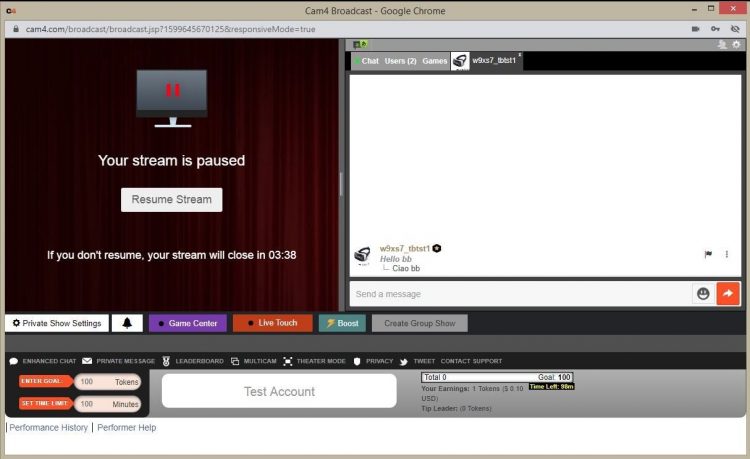
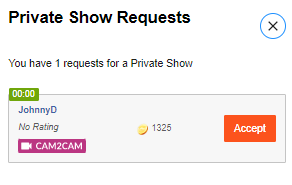
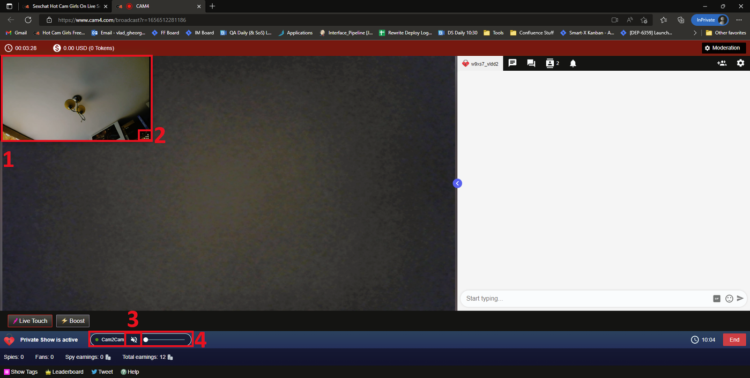
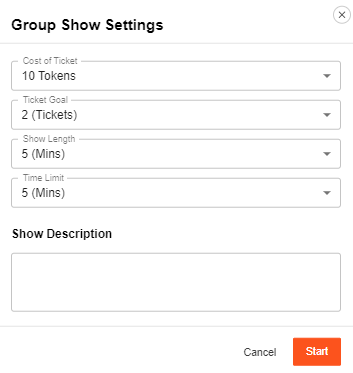
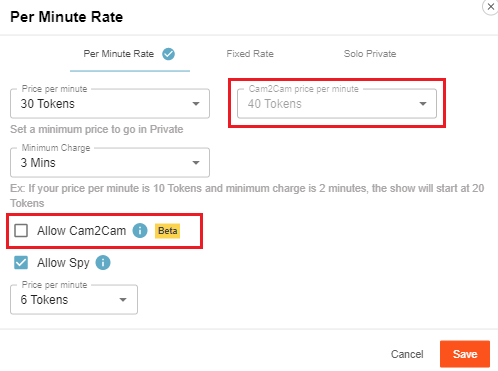 Access the private show settings by clicking on the gear icon beside the ”Private Show Requests button”. You can set the price for Cam2cam shows and then add a checkmark beside “Allow Cam2Cam” to activate the feature once you press save.


 What do I need to Do?
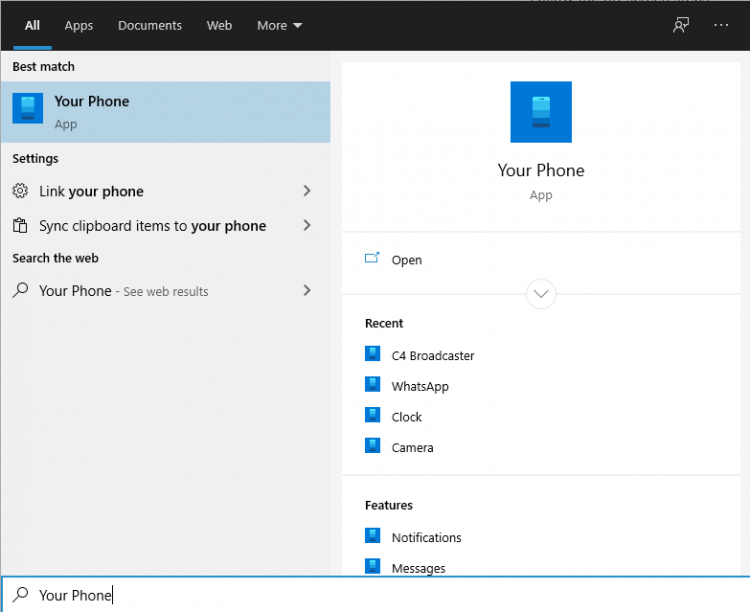 Log in with your Microsoft account in the application.
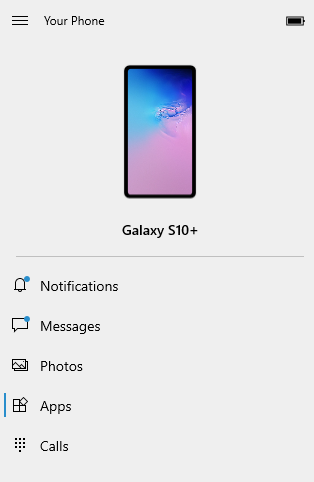
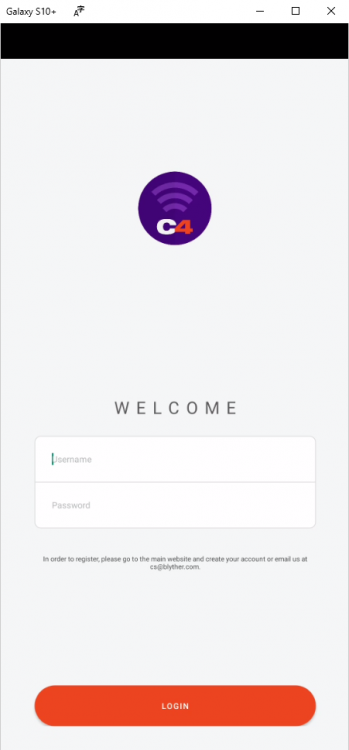
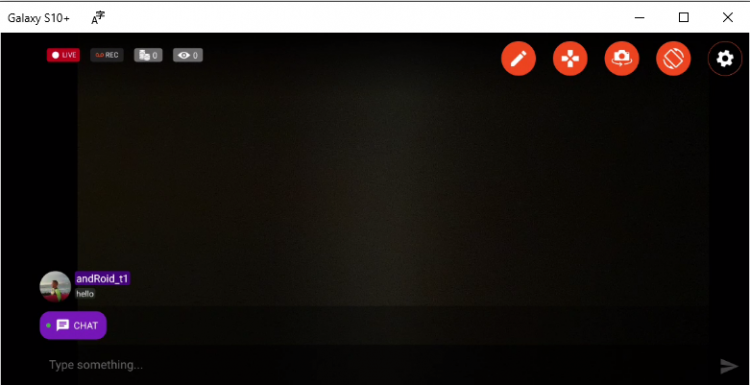
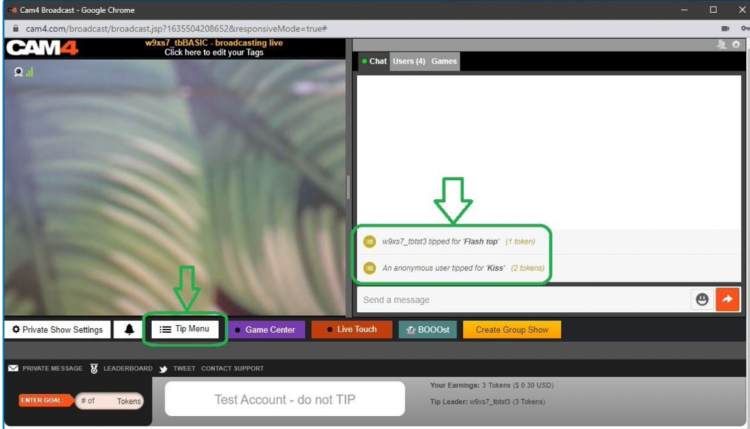
 Once you have picked all your settings and pressed the ”Start” button you will see some changes to you menu below your broadcast image. This allows you to see how long you have been hosting a solo show and what you have gained from your ”Spy” viewers.