Crear buen contenido (videos/fotos) para tus fans es divertido y fácil. Sigue esta guia y en poco tiempo estarás creando contenido que volvera locos a tus fans!
Cuenta una historia
No importa el tipo de video que estés creando, el video tiene que apelar de alguna forma a las emociones humanas para hacer que la audiciencia se enganche al contenido.
- Cómo puedes hacerlo:
Piensa en un tema, y piensa por qué ese tema es importante para el espectador. ¿Quieres compartir algo que te calienta mucho? ¿Es la primera vez que experimentas con algo? Comunica esto a los espectadores para involucrarlos en el contenido.

Piensa de forma visual
Una vez que conozcas tu historia, debes pensar en una buena forma de expresarla de forma visual.
- Cómo puedes hacerlo:
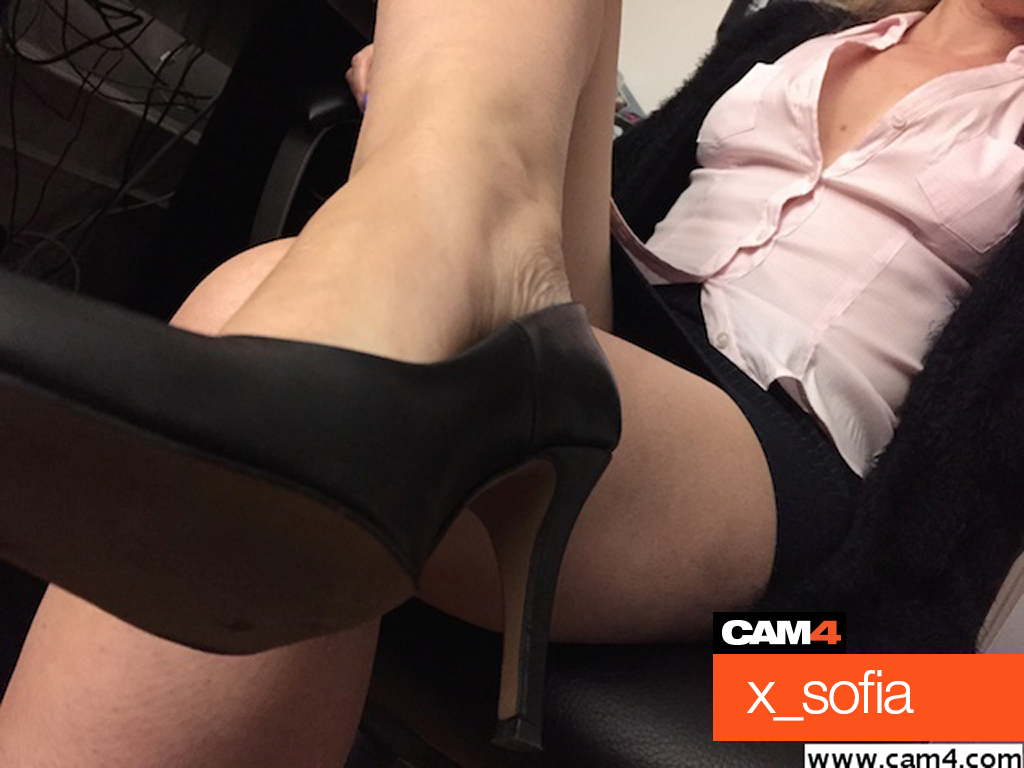
¿Cuál es el sentimiento de tu video? Si quieres dar sensación perversa, busca una localización adecuada para ello. ¿Quieres dar la sensación de que te están espiando en el trabajo? Crea un decorado de oficina con tu cámara debajo del escritorio o en un ángulo desde arriba para dar la sensación de cámara de seguridad que te espía.
Consejo Pro: Usa PIP (Picture in Picture) con 2 cámaras a la vez para dos puntos de vista diferentes y mayor sensación de vigilancia.

¿Video corto o largo?
Saber la duración que quieres que tenga tu video te ayudará a crear contenido que enganche más.
Un video corto es de 2-3 minutos, mientras que un video largo puede ser entre 5 y 30 minutos. Es mejor que conseguir que tu video sea excitante de principio a fin, así que mejor no intentar hacerlo largo por que pienses que es mejor, si al final es un video corto pero muy excitante, mejor aún!

Graba en posición horizontal
Si estás usando una cámara o un teléfono para grabar, hazlo siempre colocando la cámara en posición horizontal, de esta forma será MUCHO más fácil ver el video en una pantalla de ordenador.
- Cómo puedes hacerlo:
Gira tu teléfono 90 grados para posicionarlo de forma horizontal.

Zoom vs. edición
Puede que te apetezca hacer zoom para mostrar al espectador algo que te parece particularmente importante, pero hacerlo es en realidad obligarle a ver solo una cosa, y hacer que se pierda otras cosas, por lo que también puede distraer.
- Cómo puedes hacerlo:
Mientras estés grabando tu video, no te preocupes del zoom o de llamar la atención a algo en concreto, ya que esto lo puedes hacer al editar el video. Esto te servirá para evitar problemas como que se te caiga la cámara, tener que mover la cámara demasiado o perder el enfoque por hacer zoom.

Audio
Es importante que tu audiencia pueda oirte A TI y no la música de fondo o otros ruidos, para que de verdad conecten y se enganchen con lo que están viendo.
- Cómo puedes hacerlo:
Asegúrate de grabar en un entorno tranquilo y silencioso, y de usar un micrófono externo si lo tienes. También es importante no hablar demasiado durante el video A NO SER QUE sea necesario para la temática del video, o que te guste mucho hablar, o sea un video personalizado o que te ha pedido un espectador. Cuando no tienes que pensar en lo que estás diciendo puedes pensar mejor en lo que estás haciendo… y esto es muy caliente 😉

Iluminación
Al igual que al transmitir, queremos poder verte bien.
- Cómo puedes hacerlo:
¡Usa todas las fuentes de luz que puedas! Haz pruebas antes de empezar a grabar para asegurarte de que tengas una buena luz y que esta te favorece.
Para un tutorial rápido de iluminación lee nuestro artículo de Iluminación: Primeros pasos
¿Cámara en movimiento o fija?
Esta será lo que marque la diferencia de dar la sensación de que hay alguien más contigo en la habitación al grabar o no. Si quieres que tus espectadores sientan que te ven a través de los ojos de otra persona (POV – Point of View – Punto de Vista) entonces haz el video sujetando la cámara con las manos, si no es así, usa un trípode u otro soporte.
- Cómo puedes hacerlo:
Si quieres usar cámara fija (steady cam) puedes grabar con tu portátil o con un trípode. Si no tienes trípode puedes usar una lámpara a modo de trípode.
Para grabar sujetando la cámara con las manos necesitarás que alguien lo haga por ti, y asegurándote de que lo hagan en horizontal y no usen el zoom. Es mejor si la persona intenta no mover mucho la cámara ya que esto será algo molesto para los espectadores.
Ángulos
Ya que un video no es en directo, tienes la habilidad de usar diferentes ángulos y editarlo si quieres. Esto hará que tengas más contenido para elegir a la hora de editar, y puedes crear videos muy buenos usando diferentes ángulos.
- Cómo puedes hacerlo:
Puedes usar varias cámaras grabando a la vez, una puedes ser tu webcam y la otra tu teléfono.
Consejo Pro: Si es otra persona la que te graba, situa otra cámara fija con un ángulo distinto. No te preocupes si se puede ver la cámara de la persona desde la otra cámara, eso hará que sea aún más interesante.

Engancha a la audiencia
Usa tu mirada para conectar con la audiencia, esto hará que tu video pase de ser bueno a ser uno de sus favoritos, que compartan y quieran ver una y otra vez.
- Cómo puedes hacerlo:
Ten en cuenta la cámara y mírala. Esto creará una conexión con la audiencia y les enganchará con lo que están viendo.
¡Eso es todo para esta clase!
Sigue al día con consejos añadiéndo a Lila, la coach de CAM4 en Español a tu lista de amigos y suscribiéndote a sus clases semanales.
Puedes enviar un email con cualquier duda a lila@cam4.com
Nos vemos en tu cam!