All you need to know about private shows on CAM4 — per minute, time blocks, or solo private with spies.
Private Shows on CAM4: How to Earn Smart with 1-on-1
Choose per minute, work with pre-paid time blocks, or start a solo private show with spies. Clear prices = more trust (and therefore more tips).
Tip: also mention your private options and rates in your bio or Activity Feed.
What is a private show?
A private show is an exclusive show between you and one viewer. Depending on your settings, others can (paid) watch as “spy”. With private shows, you are guaranteed to earn tokens per minute or sell a time block in advance.
Three ways to earn with private
1) Pay per minute
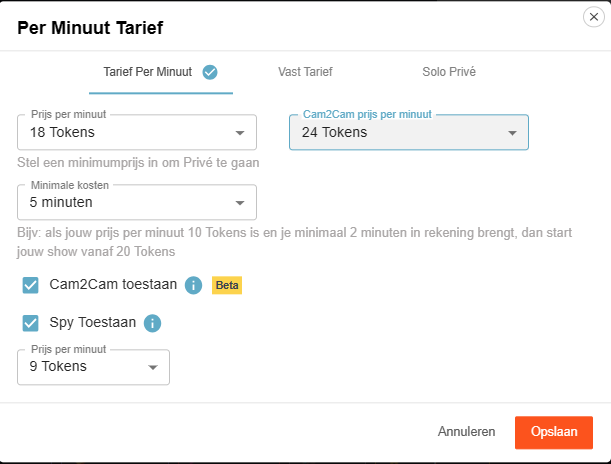
Viewers see the cost per minute before requesting a private show; in the Netherlands, 21% VAT is applied upon purchase.
Guideline example: 12 tokens/min is $1.20 per minute for you. Your viewer in the Netherlands sees an amount of 15 tokens/min including VAT. This VAT percentage varies per country where your fan lives.
Pro tip: allow spying (Spy). These viewers only see the image, no chat, and hear no sound.
2) Time blocks (pre-paid)
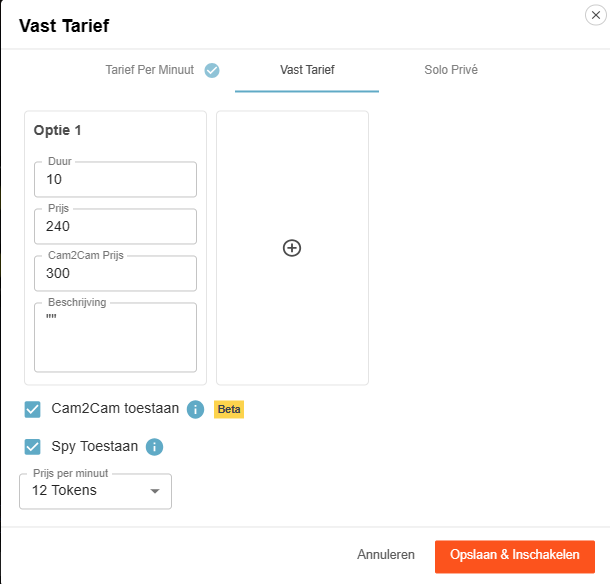
Offer pre-paid blocks. You choose the duration and the price; the viewer chooses and pays.
Advantage: you are assured of the entire block. If the viewer clicks away themselves, you will still be paid the full block. If you end it yourself or your connection drops, the tokens go back to the viewer.
3) Solo private show
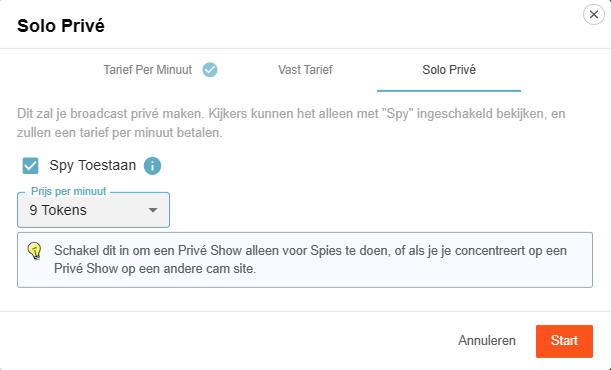
You appear to be in private, but you are alone. Spies can — if you allow it — watch for a fee and pay per minute.
Useful for calmly setting up your games or settings (turn off Spy then), or if you are running a private show elsewhere and want to generate income on CAM4 at the same time via spies.
Cam2Cam: make your private show even more intimate
C2C offers more intimacy and often higher per-minute prices — communicate your terms and boundaries in advance. Some models find it much nicer to be able to see the viewer themselves, but some do not. Adjust your price accordingly.
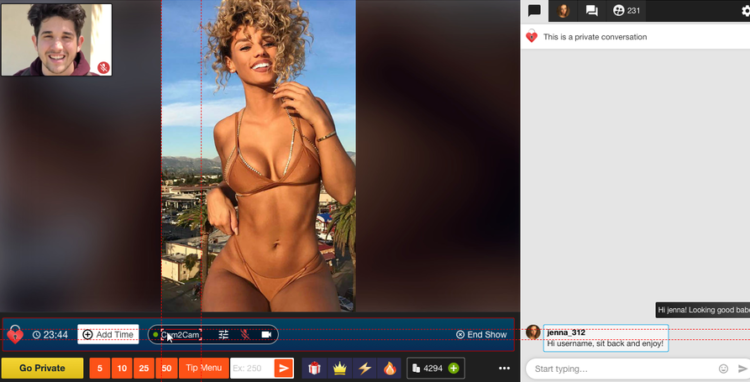
Activate Cam2Cam
Go to the settings of your Private Show via the gear next to ‘Requests for private shows’. Set your C2C price and check ‘Allow Cam2Cam’. Save — done.
What does it cost?
Cam2Cam is usually ±1.25× the price of your normal private show. If you normally ask for 12–18 tokens/min, then 18–24 tokens/min for C2C is a logical range.
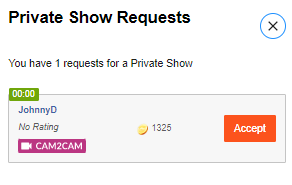
During the show
- The video of your viewer appears in a corner of your screen (movable and scalable).
- Use the Cam2Cam buttons: mute and volume control.
Auto-Pause: your time after a private show

Auto-Pause gives you time to catch your breath after a Private or Group Show, before your public stream goes live again.
How does it work?
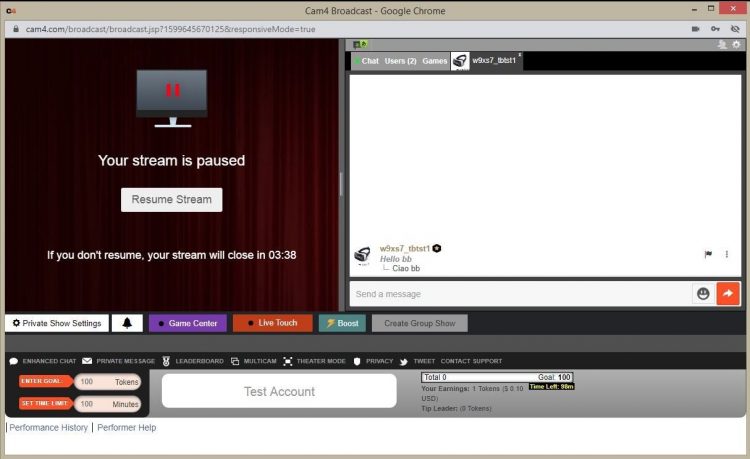
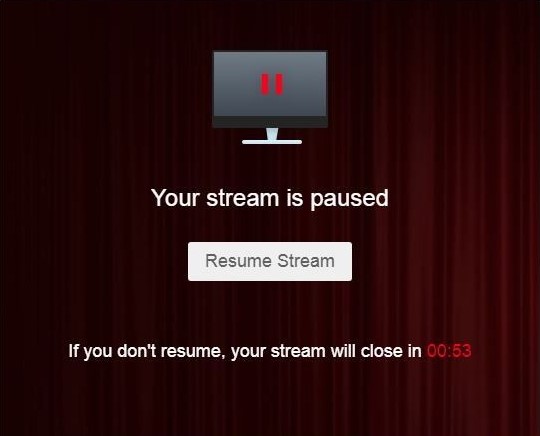
Afterwards, your stream automatically pauses for up to 5 minutes. Get something to drink, change clothes, or reset your setting — you decide.
You can resume earlier at any time via “Resume Broadcast”. If you wait longer than 5 minutes, the stream ends automatically.
You will not receive private requests during the pause.
What you see
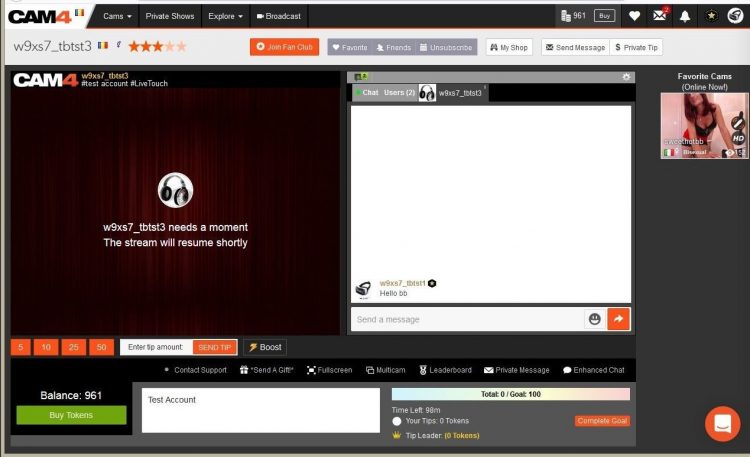
What viewers see
Price & transparency
Communicate in advance what makes private different from your public show (tempo, requests, Cam2Cam, no negotiations) and stick to your rates. Clarity increases conversion and prevents hassle.
Never miss a private show request again: with Offline Private Show (OPS) notifications fans can book at any time and you choose how you are alerted.